Quick answer. Wrong input, loose cable, or a sleeping stick — not a dead panel. Change input, reseat, then swap ports.
No Signal almost always means the TV is looking at an empty port or the source went to sleep.
MarketPalace Guide Center writes this as a solution walkthrough — the order we would use if we were in the room with you. We name the next click, then what to do if that click fails. We do not sell the TV, the kettle, or the plane ticket.
If a menu name on your set or phone does not match, use the closest wording and email hello@marketpalace.shop. We correct live pages when the path has moved.
What you need
- Remote
- HDMI cable
- A second port if you have one
In this guide
1. Press Source / Input and pick the right HDMI
Match the number printed next to the socket on the TV.
2. Wake or replug the stick, box, or laptop
Unplug a Fire TV / Chromecast for ten seconds. On a laptop use Win + P → Duplicate.
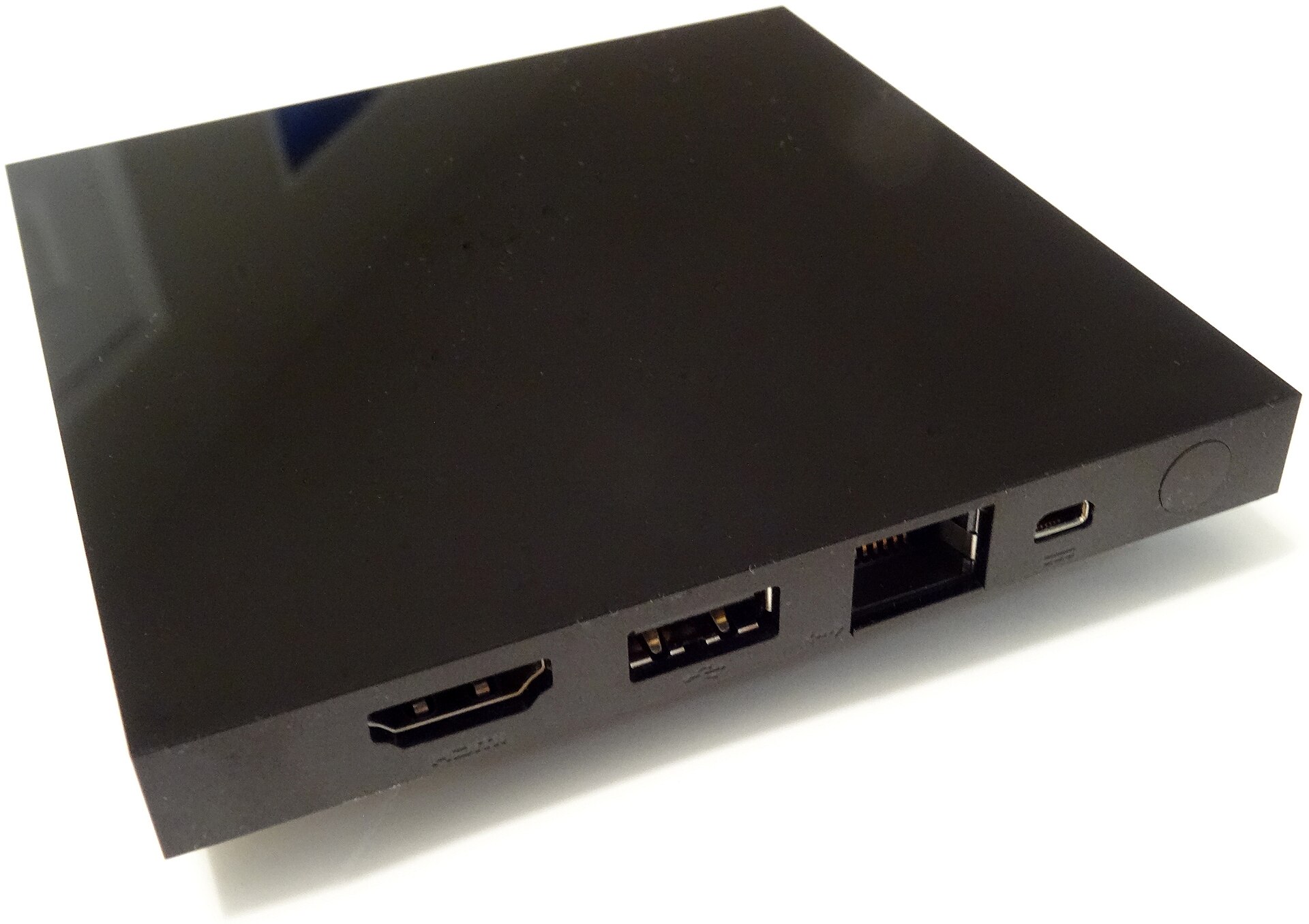
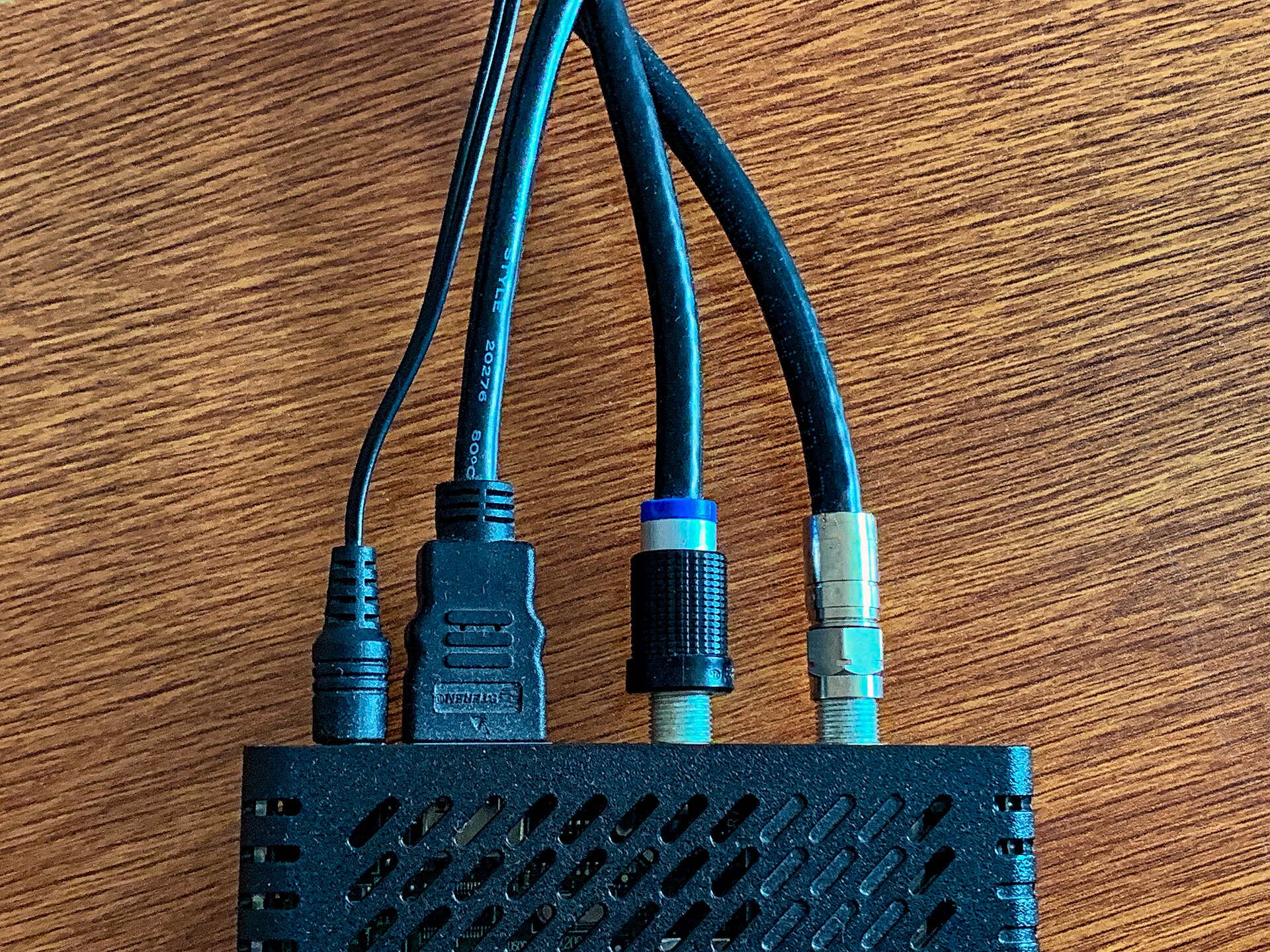
3. Reseat both HDMI ends until they click
A half-in plug is the classic fault.
4. Try another HDMI port and another cable
If a laptop works and the stick does not, the stick or its power is at fault.
If it still fails
- eARC ports are picky about cheap cables.
- Some sticks need their own power adapter, not a weak TV USB port.
When you are done, browse more in TV & Living Room or search the Guide Center for the next job on your list. A neighbour problem — a remote, a bill, a suitcase — has its own walkthrough.
Common questions
Need an expensive cable?
A certified High Speed cable is enough for normal 4K.
Why did it work yesterday?
The stick woke on another input after a power blink.